
You sit down to study, open your phone to check one quick answer, and suddenly you have five different apps open. One has video lessons, another has flashcards, and a third promises to help you learn a new language. After a while, it becomes difficult to know which app is actually helping you study.
The good news is that you do not need to pay for an expensive collection of learning tools to improve your study routine. Several educational apps offer useful lessons, practice questions, revision tools, and learning resources for free.
The trick is choosing apps that match your needs instead of downloading everything you see.
Whether you are preparing for school exams, learning mathematics, improving your English, or exploring computer programming, this guide covers some of the best free educational apps for students. You will learn what each app does, which features are available without payment, and how to use these tools more effectively.
What Makes a Good Educational App?
A useful educational app should make learning easier, not turn studying into another distraction.
Before downloading an app, consider these questions:
- Does it teach a subject you actually need to learn?
- Can you access useful lessons without paying?
- Does it offer practice questions or explanations?
- Is it easy to use on your phone, tablet, or computer?
- Can you study at your own pace?
- Does it work well with your internet connection?
Some apps are excellent for understanding difficult topics, while others are better for memorizing information or organizing homework. There is no single app that does everything perfectly.
Here are the options worth considering.
1. Khan Academy — Best for Learning School Subjects
Best for: Mathematics, science, economics, history, and exam preparation.
Khan Academy is one of the strongest starting points for students who want free educational resources without dealing with a complicated subscription system.
It offers instructional videos, articles, practice exercises, and quizzes across a wide range of subjects. You can use it to review a lesson from school or study a topic that you have not fully understood.
For example, imagine that you understand basic algebra but struggle with equations involving fractions. Instead of watching random videos, you can find a relevant lesson, review the explanation, and then practice similar questions.
The practice exercises are particularly useful because they give you a chance to apply what you have learned rather than simply watching someone else solve a problem.
Why students may like it:
- A large collection of free lessons and exercises.
- Subjects suitable for different learning levels.
- Practice questions with feedback and hints.
- Progress tracking through a Khan Academy account.
- Official mobile apps for compatible Android and iOS devices.
Khan Academy also supports downloading certain videos for offline viewing through its mobile apps, which can help when internet access is unreliable. Availability depends on the app and content. You can check its official downloads page for details.
One limitation: The material may not follow your school’s exact syllabus or examination board. Use it to understand concepts, then compare what you learn with your textbook and teacher’s instructions.
Verdict: If you only want to start with one general-purpose educational app, Khan Academy is an excellent choice. Its core learning resources are free.
2. Duolingo — Best for Learning Languages
Best for: Beginners learning English and other supported languages.
Learning a language takes regular practice. Studying vocabulary for two hours on Sunday and then ignoring it for the rest of the week is often less useful than practicing a little each day.
Duolingo makes short language lessons easier to fit into a busy schedule. Its activities cover skills such as vocabulary, sentence formation, listening, and translation, depending on the course.
For example, if you are learning English, you might practice common phrases, review basic grammar, and answer questions about everyday conversations.
The app uses short exercises and progress features to encourage regular practice.
Useful features include:
- Short lessons that fit into study breaks.
- Vocabulary and sentence exercises.
- Listening and reading activities in supported courses.
- Progress tracking and reminders.
- A free version for getting started.
What should you know about the free version?
Duolingo offers paid subscriptions with additional features. The free experience may include advertisements, usage restrictions, or other limitations depending on the platform and current plan.
Also, completing app lessons alone will not automatically make you fluent. You still need to read, listen to natural conversations, write sentences, and practice speaking.
A practical tip: After finishing a lesson, write five new words in a notebook and use each one in a sentence. This gives you another way to practice what you learned.
Verdict: Duolingo can be a useful daily companion for language learners, especially beginners who need help building a consistent habit.
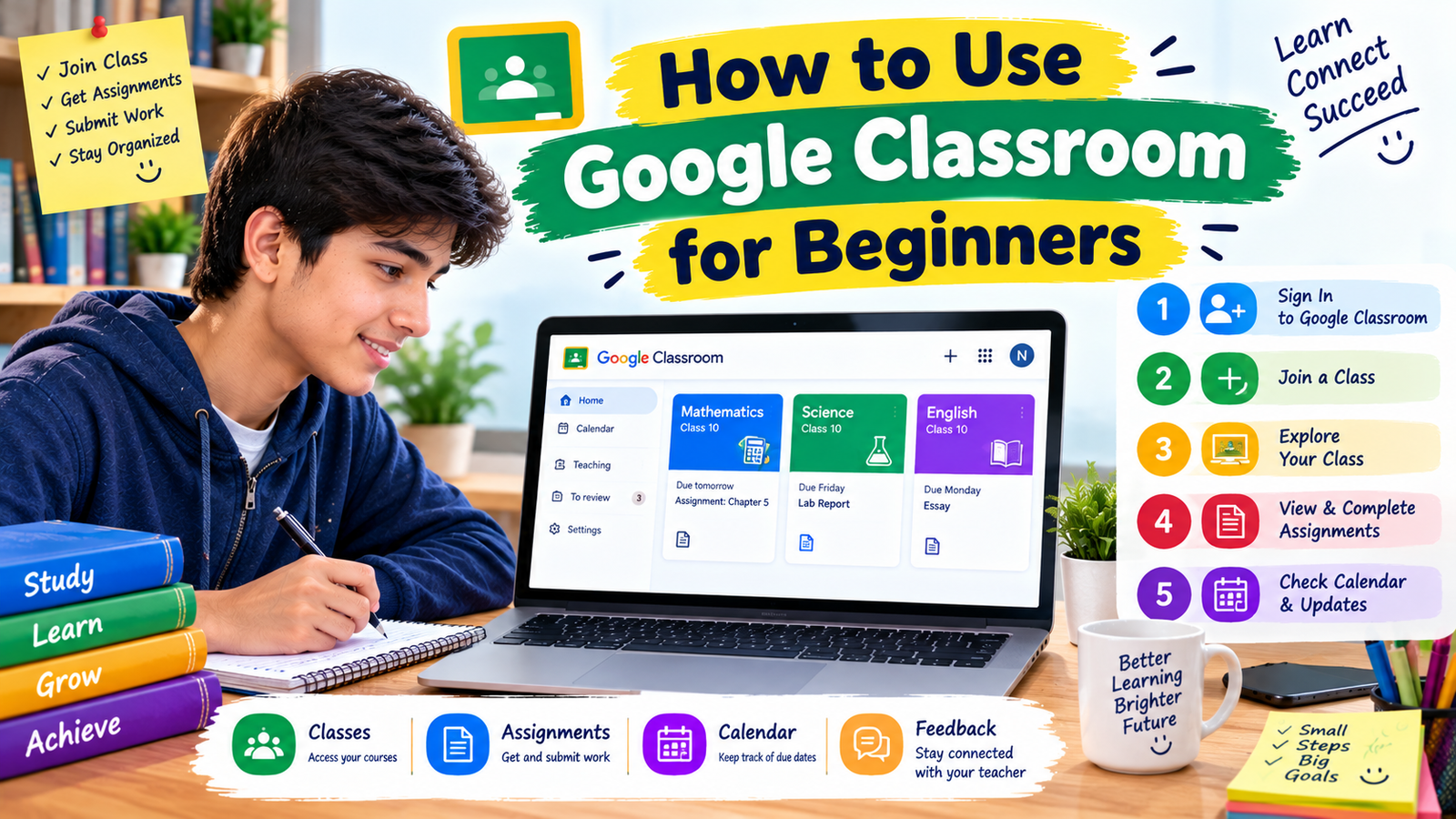
3. Google Classroom — Best for Managing Schoolwork
Best for: Students who receive assignments and learning materials online.
Not every educational app teaches a new subject directly. Some help you organize your existing studies, and Google Classroom is a good example.
Teachers can use it to share class materials, post assignments, communicate with students, and return work with feedback. Students can use it to check instructions, access attached files, and keep track of submitted assignments.
Suppose your teacher assigns a science report and an English essay on the same day. Instead of searching through different messages, you can open Classroom to find the relevant classwork and deadlines.
Why it is useful:
- Keeps class assignments and materials organized.
- Supports documents and other learning resources.
- Helps students check submission status.
- Makes teacher feedback easier to access.
- Works on compatible smartphones, tablets, and computers.
Google Classroom is available at no cost for eligible users, although schools may manage accounts and access through their own Google Workspace settings.
You may also need other apps, such as Google Docs or Google Slides, to complete certain assignments.
One thing to remember: Reading an assignment is not the same as submitting it. After completing your work, return to Classroom and check that the assignment shows the correct submission status.
You can visit the official Google Classroom page to get started.
Verdict: This is particularly useful for students whose schools already use Google Classroom for homework and communication.
4. Quizlet — Best for Flashcards and Quick Revision
Best for: Vocabulary, definitions, key terms, and factual revision.
Have you ever read a chapter several times but still struggled to remember the important terms during a test?
Flashcards can help you practice remembering information rather than repeatedly reading the same page.
Quizlet is a learning platform that offers flashcards and study activities. Students can create their own study sets or explore existing sets shared by other users.
For example, a biology student could create cards with a scientific term on one side and its meaning on the other. A language learner could put an English word on one side and its translation on the other.
Reasons to try Quizlet:
- Create digital flashcards.
- Organize revision by subject or chapter.
- Review important definitions in short sessions.
- Use study materials created by other learners.
- Practice recalling information instead of only rereading it.
Quizlet has a free offering, but some tools and study modes may require a paid subscription. Check the current plan details before relying on a particular feature.
Be careful with public flashcard sets, too. Anyone can make mistakes when creating study materials, so compare important facts with your textbook or teacher’s notes.
A simple way to use it: Create 10 to 15 flashcards after completing a lesson. Review them the next day, then return to the difficult cards later in the week.
Verdict: Quizlet is worth considering when your main challenge is remembering vocabulary, definitions, formulas, or other short pieces of information.
5. AnkiDroid — Best for Repeated Revision on Android
Best for: Students who want customizable flashcards and long-term revision.
AnkiDroid is an Android flashcard app that uses spaced repetition. This approach schedules reviews so that you revisit information over time instead of trying to memorize everything in one sitting.
It can be useful for subjects that require repeated recall, such as language vocabulary, scientific terminology, historical dates, and important definitions.
You can create your own flashcards, organize them into decks, and review them in short sessions.
Why it stands out:
- Free and open-source Android app.
- Supports custom flashcard decks.
- Uses spaced repetition to organize reviews.
- Offers access to shared decks.
- Can synchronize with compatible Anki setups.
The app is available through Google Play.
What about iPhone users? AnkiDroid is specifically for Android. Anki’s ecosystem includes separate desktop and mobile options, and the official iOS app may have a different pricing arrangement. Check the relevant official store before installing an alternative.
AnkiDroid can take more time to set up than a simple flashcard app. Start with a small deck instead of creating hundreds of cards at once.
Verdict: AnkiDroid is a strong option for Android users who want more control over flashcards and are willing to spend a little time organizing their revision.
6. Photomath — Best for Understanding Math Problems
Best for: Students who need help working through mathematical problems.
Mathematics can become frustrating when you reach a question and do not know what to do next. Photomath is designed to help users explore math problems by scanning or entering them, with explanations available for supported questions.
It can be useful when checking a calculation or reviewing the steps involved in solving a problem.
For example, if you are practicing linear equations, you can use a math-solving tool to compare the steps with your own work and identify where your method went wrong.
Useful features may include:
- Scanning supported math problems with a camera.
- Viewing solution steps for many questions.
- Reviewing different mathematical topics.
- Checking your work after attempting a problem yourself.
Photomath offers free features, while some explanations and additional learning features may require a paid plan. Check the current app listing for the latest details.
The most important point is how you use it. If you scan every homework question and copy the answer without understanding the method, you may finish the assignment but struggle when the teacher changes the numbers in an exam.
A better approach: Attempt the question first. If you get stuck, review the explanation, close the app, and solve the question again without looking at the answer.
Verdict: Photomath can be a helpful study aid when you use it to understand mathematical steps rather than replace your own practice.
7. Google Arts & Culture — Best for Exploring History and Art
Best for: Students interested in history, art, culture, and visual learning.
Some topics become easier to understand when you can see the objects, places, and artwork being discussed.
Google Arts & Culture offers digital access to collections, exhibits, artworks, and cultural material from museums and other institutions.
For instance, a student researching ancient civilizations might explore museum collections and read about historical objects. Someone studying art history can look at paintings and learn more about their creators and backgrounds.
Why it can be useful:
- Visual resources for research and exploration.
- Digital collections from cultural institutions.
- Articles and stories about art and history.
- A different way to explore subjects beyond a textbook.
You can begin at Google Arts & Culture.
Not every activity on the platform is designed as a formal lesson, so it works best as a supplement to your main study materials.
If you are using it for a school assignment, verify dates and historical claims with reliable sources and cite the original source material when required.
Verdict: This is a useful option for curious students who enjoy visual learning or need background material for history, art, and cultural projects.
8. Khan Academy Kids — Best for Younger Learners
Best for: Children roughly ages two to eight who are developing early learning skills.
Younger children often learn well through stories, interactive activities, and simple games. Khan Academy Kids is designed around these needs.
The app includes activities covering early mathematics, literacy, reading, and other foundational skills.
Its mobile learning program is free for families and teachers, with no advertisements or in-app purchases in the family app, according to the official pricing information.
You can check the Khan Academy Kids official page for details.
Why families may find it helpful:
- Early reading and literacy activities.
- Basic mathematics practice.
- Interactive books and learning games.
- Activities designed for young children.
- Free access to the family learning app.
A parent or caregiver can help younger children choose appropriate activities and talk with them about what they are learning.
Verdict: This is better suited to younger children than older students preparing for secondary-school examinations. For older learners, the main Khan Academy app is a more appropriate starting point.
Quick Comparison: Which Educational App Should You Choose?
Here is a simple overview to help you narrow down the options.
| App | Best use | Free access |
|---|---|---|
| Khan Academy | School subjects and practice | Core learning resources free |
| Duolingo | Language practice | Free version with limitations |
| Google Classroom | Assignments and classwork | Available at no cost for eligible users |
| Quizlet | Flashcards and revision | Free offering; some features paid |
| AnkiDroid | Spaced-repetition flashcards | Free Android app |
| Photomath | Understanding math solutions | Free features; some paid |
| Google Arts & Culture | Art, history, and exploration | Free to explore |
| Khan Academy Kids | Early learning for young children | Free family app |
Free features and account requirements can change. Before signing up, check the official app listing or website, particularly if you need a specific feature for school.
How to Choose the Right Educational App for Your Needs
Downloading several apps at once can make studying feel more complicated. A better approach is to start with the problem you want to solve.
Step 1: Identify your biggest challenge
Ask yourself what you need most right now.
- Struggling to understand lessons? Try Khan Academy.
- Need regular language practice? Consider Duolingo.
- Forgetting definitions? Try Quizlet or AnkiDroid.
- Losing track of homework? Use Google Classroom if your school supports it.
- Getting stuck on mathematics? Use Photomath to review the steps.
- Researching history or art? Explore Google Arts & Culture.
Step 2: Check the free features
Open the official website or app listing and see what is available without paying. Some apps offer their basic lessons free but reserve certain tools for subscribers.
Do not enter payment details or begin a trial unless you understand its terms and have the appropriate permission if needed.
Step 3: Try one app for a week
Use the app for a specific purpose. For example, complete a Khan Academy lesson after school or review 10 flashcards each evening.
After a week, ask whether it helped you understand the material, remember information, or stay organized.
Step 4: Fit the app into your existing study routine
An educational app should support your textbook, class notes, and assignments—not replace them.
If your teacher gives you a particular method for solving equations, learn that method first. Then use an app for extra practice.
Step 5: Keep the apps that genuinely help
If an app is confusing, distracting, or unsuitable for your course, you do not have to keep using it. Choose tools that help you make progress.
Example: A Simple Study Routine Using Free Apps
Imagine you have a mathematics test and an English vocabulary quiz coming up.
You could organize your study session like this:
First 20 minutes: Use Khan Academy to review the mathematical topic you find difficult.
Next 10 minutes: Solve practice questions on paper without checking the solutions immediately.
Next 10 minutes: Use Quizlet or AnkiDroid to review your English vocabulary.
Final 5 minutes: Check your class assignments in Google Classroom and note any upcoming deadlines.
This is only an example, not a strict timetable. You can adjust the time based on your subjects, homework, and attention span.
The key is to give each app a clear job. One helps you understand a topic, another helps you remember information, and another keeps your schoolwork organized.
Common Mistakes to Avoid When Using Educational Apps
Even a good app can become less useful if you use it the wrong way.
Downloading too many apps
Trying every new learning app can waste time. Start with one or two tools that match your immediate needs.
Watching lessons without practicing
A video can make a topic seem easy, but understanding becomes clearer when you solve questions yourself. Always leave time for practice.
Copying answers without learning the method
Answer-solving tools can help you review difficult problems. However, copying their answers without understanding the steps will not prepare you well for unfamiliar questions.
Trusting every public study set
User-created flashcards and notes can contain errors. Check important information against your textbook or a reliable source.
Ignoring paid-feature limits
Some apps advertise free downloads but charge for particular lessons, study modes, or extra features. Check the terms so you know what you can access without paying.
Letting notifications interrupt your study session
Learning apps can also compete for your attention. Turn off unnecessary notifications or keep your phone focused on the task you are doing.
Forgetting about privacy
Download apps from official stores, review their permissions, and avoid sharing unnecessary personal information. Younger students should ask a parent or trusted adult for help when setting up accounts.
Final Thoughts
The best free educational apps for students are the ones that help you solve a real learning problem. You do not need every app on this list, and you certainly do not need to pay for a subscription before finding out what works for you.
Start with Khan Academy if you want help with school subjects, Duolingo for language practice, Quizlet or AnkiDroid for memorization, and Google Classroom for managing assignments. If mathematics is difficult, Photomath can help you review solutions, while Google Arts & Culture offers an engaging way to explore history and art.
Choose one tool, use it consistently, and pay attention to whether it improves your understanding. Combine digital resources with textbooks, class notes, practice questions, and help from your teachers when you need it.
A simple study routine with the right tools is often more useful than a phone full of apps you rarely open.