
Imagine you have an assignment due tomorrow. You need to research a topic, write several pages, create a presentation, and attend an online class. You also want to review your notes while sitting comfortably on the sofa or travelling to school.
Now comes the question: should you buy a laptop or a tablet?
Both devices can help students study, attend online classes, read PDFs, and complete assignments. However, they work differently, and choosing the wrong one can make everyday schoolwork more frustrating than it needs to be.
A tablet is convenient, lightweight, and excellent for reading and handwritten notes. A laptop is generally better for typing long assignments, managing files, using desktop software, and handling more complicated projects.
The best choice depends on your education level, the apps you need, your budget, and how you plan to use your device.
Let’s compare laptops and tablets in practical terms so you can make a sensible decision before spending your money.
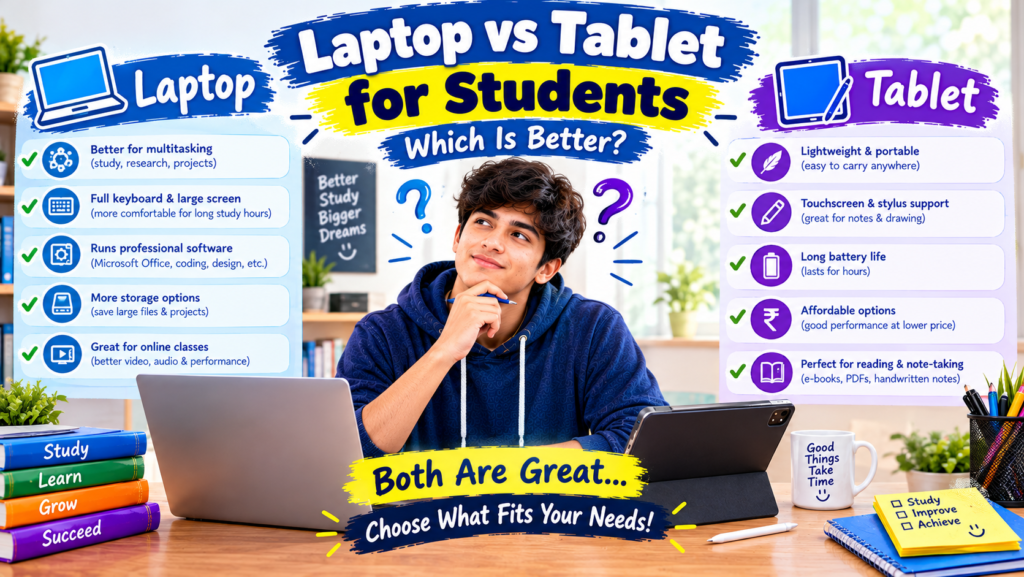
Laptop vs Tablet for Students: Quick Comparison
Before looking at the details, here’s a simple comparison of the two devices.
| Feature | Laptop | Tablet |
|---|---|---|
| Typing long assignments | Excellent | Good with a keyboard |
| Reading PDFs and e-books | Good | Excellent |
| Handwritten notes | Usually requires extra accessories | Excellent with a compatible stylus |
| Online classes | Excellent | Very good |
| Research and multitasking | Usually better | Depends on the operating system |
| Programming and coding | Generally better | Limited for some workflows |
| Portability | Good | Excellent |
| Battery life | Varies by model | Often very good, but varies |
| File management | Generally easier | Can be more limited |
| Budget options | Many choices, especially refurbished | Many affordable models |
| Creative drawing | Good with suitable hardware | Excellent on compatible models |
Quick answer: A laptop is usually the better all-round choice for students who need to complete assignments, work with documents, learn coding, or use specialized software. A tablet is a great choice for students who mainly read, watch lessons, annotate PDFs, and take handwritten notes.
1. Why a Laptop Can Be Better for Students
A laptop is designed for tasks that require a keyboard, a large screen, and several applications working together. That makes it useful for everyday academic work.
Writing assignments is easier
Suppose your teacher asks you to prepare a 2,000-word assignment. You need to research information, organize your ideas, check spelling, format headings, and prepare the final document.
A laptop makes this process straightforward.
You can open Google Docs or Microsoft Word, keep research material in another window, and type comfortably using a physical keyboard. You can also switch between tabs without constantly changing screens.
It is possible to complete the same task on a tablet, especially with an external keyboard. However, purchasing a keyboard adds to the total cost, and some tablet apps have fewer formatting options than their desktop counterparts.
For students who write assignments regularly, a laptop is often the more practical option.
Research and multitasking
Academic work rarely involves only one website or application.
You might need to watch a lecture, search for information, check a textbook PDF, and write notes at the same time.
Many laptops make it easy to arrange multiple windows side by side. Windows laptops and MacBooks also support different multitasking features that can make research more efficient.
Modern tablets can handle multitasking too, but the experience depends on the device, operating system, and applications. Some budget tablets may feel restrictive when you need several apps open at once.
Better support for coding and technical subjects
If you’re studying computer science, web development, or information technology, a laptop is generally the safer choice.
You can use tools such as:
- Visual Studio Code for programming.
- Python for learning programming fundamentals.
- Git for version control.
- WordPress for website development.
- Browser developer tools for learning web design.
- Desktop spreadsheet and presentation software.
A tablet can support some coding activities through browser-based tools and dedicated apps. Nevertheless, installing development software, managing project folders, and working with command-line tools can be more complicated on certain tablets.
For someone learning HTML, CSS, JavaScript, or Python, a laptop offers more flexibility as their skills improve.
File management is more convenient
Students often download lecture slides, assignments, images, research papers, and presentation files.
On a laptop, organizing these materials into folders is generally simple. You can rename files, move documents between folders, compress files, and upload assignments to learning platforms.
Tablets also support file management, but the process may vary depending on the operating system and app. If your course requires frequent work with multiple file types, a laptop can save time.
2. Why a Tablet Can Be Better for Students
A laptop isn’t automatically the best choice for everyone. Tablets have advantages that become especially noticeable when your studies involve reading, drawing, or taking notes.
Reading PDFs and digital textbooks
Imagine carrying several textbooks to class every day. A tablet can store many digital books and documents in one lightweight device.
You can zoom in on diagrams, highlight important sentences, search for particular words, and annotate documents using compatible apps.
Useful options include:
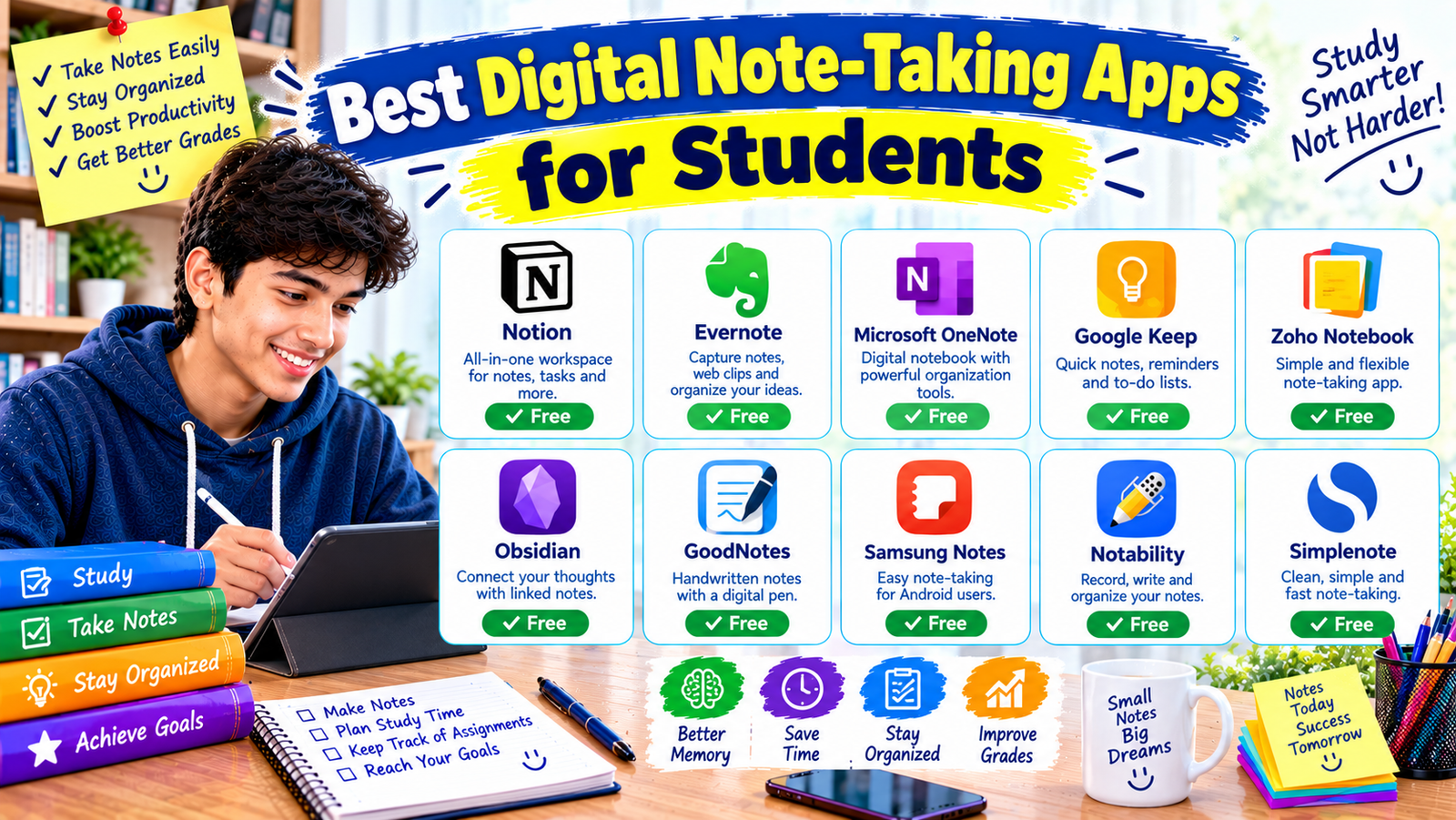
- Adobe Acrobat Reader: For viewing and marking up PDFs.
- Microsoft OneNote: For organizing notes and handwritten annotations.
- Goodnotes: For digital handwriting and notebook organization on supported platforms.
- Google Drive: For storing and accessing documents online.
Some features may require a paid plan, and app availability varies by device. Check the features you need before purchasing a tablet.
Handwritten notes feel natural
For subjects such as mathematics, physics, chemistry, and biology, handwritten notes can be convenient.
With a compatible stylus, you can write equations, sketch diagrams, label illustrations, and mark up a teacher’s slides directly on the screen.
For example, a student studying geometry could open a worksheet, draw lines on a diagram, and write calculations beside the problem without printing the page.
Not every tablet supports an active stylus, and a basic capacitive pen may not provide the same writing experience. Check stylus compatibility before buying.
Easier to carry around
Tablets are usually lighter than laptops, particularly when comparing a tablet without accessories to a conventional laptop.
That can be useful if you regularly travel to school, study in a library, or move between classes.
A tablet can also be convenient for short study sessions because it wakes quickly on many models and is comfortable to hold for reading.
Remember, though, that adding a keyboard case, stylus, and protective cover increases its weight and cost.
Useful for drawing and creative work
Students studying graphic design, illustration, or visual arts may benefit from a tablet with pen support.
Depending on the model and apps available, a tablet can be useful for sketching, annotating designs, drawing diagrams, and creating digital artwork.
For advanced professional projects, you should check whether your required software runs on the tablet or whether you will still need access to a laptop or desktop computer.
3. Laptop vs Tablet for Online Classes
Both devices can work well for online learning.
Platforms such as Google Classroom, Zoom, Google Meet, and Microsoft Teams are available across many laptops and tablets, although particular features can differ by device and operating system.
A laptop may be preferable when you need to attend a class, type notes, open a browser, and work on an assignment simultaneously.
A tablet can be a better fit when you mostly watch recorded lessons, attend video calls, or read digital course materials.
Before choosing either device, consider these practical details:
- Camera: Is the video quality suitable for online classes?
- Microphone: Can teachers and classmates hear you clearly?
- Speakers: Is the sound loud and clear enough for lessons?
- Battery: Can the device last through your usual study sessions?
- Internet: Does it have reliable Wi-Fi support?
- Comfort: Can you position the screen at a comfortable viewing angle?
A laptop usually has a built-in keyboard and a screen that can be adjusted using its hinge. A tablet may need a stand or keyboard case to provide a similarly comfortable setup.
Neither device can compensate for an unreliable internet connection or poor audio equipment, so check those factors too.
4. Which Is Better for Different Types of Students?
The right choice becomes clearer when you think about your actual coursework rather than comparing specifications alone.
School students
For younger students who mainly watch lessons, read textbooks, complete quizzes, and browse educational websites, a tablet may be sufficient.
However, students who regularly prepare typed assignments, create presentations, and use desktop applications may benefit more from a laptop.
Parents should also consider the school’s software requirements before buying either device.
College and university students
A laptop is usually the more versatile option for college and university.
Students may need to write research papers, prepare presentations, work with spreadsheets, manage many documents, and use subject-specific software.
A tablet can be an excellent secondary device for reading and note-taking. If the budget only allows one device, however, a laptop is generally the safer starting point for a wide range of courses.
Students learning coding or web development
If your goal is to learn programming, build websites, or manage a WordPress site, choose a laptop if possible.
A laptop gives you more flexibility to install development tools, edit code, test websites, and manage project files.
A tablet can still help you watch tutorials, read documentation, and practise through browser-based coding platforms. But it may become limiting as your projects become more advanced.
Students who prefer handwritten notes
A tablet with reliable stylus support may be the better choice if most of your work involves handwriting, drawing diagrams, reading PDFs, and reviewing class slides.
Before purchasing, try the writing experience if possible. Screen size, stylus responsiveness, palm rejection, and app quality can make a noticeable difference.
Students on a tight budget
Don’t assume that a tablet is always cheaper than a laptop.
A low-cost tablet may look affordable until you add a compatible keyboard, stylus, and protective case. A laptop may provide more complete functionality for a similar overall price.
Compare the total cost of the setup rather than the advertised price of the device alone.
5. What About a 2-in-1 Laptop?
There is another option worth considering: a convertible or 2-in-1 laptop.
These devices combine laptop-style functionality with a touchscreen. Some models fold into a tablet-like position, while others use a detachable keyboard.
<WritingBlock id=”58318″ variant=”standard”>A 2-in-1 device may be worth considering if you want to type assignments with a physical keyboard and write notes using a compatible pen.
However, check the device’s weight, battery life, keyboard quality, stylus support, and overall price. Some convertible laptops are heavier than tablets, and not every model includes a pen in the box.