
Imagine you have an exam next week, but one chapter in your textbook still does not make sense. You search for an explanation online, open a few websites, and suddenly find yourself surrounded by confusing videos, expensive courses, and pages asking you to create an account.
Finding a good learning resource can sometimes feel like another homework assignment.
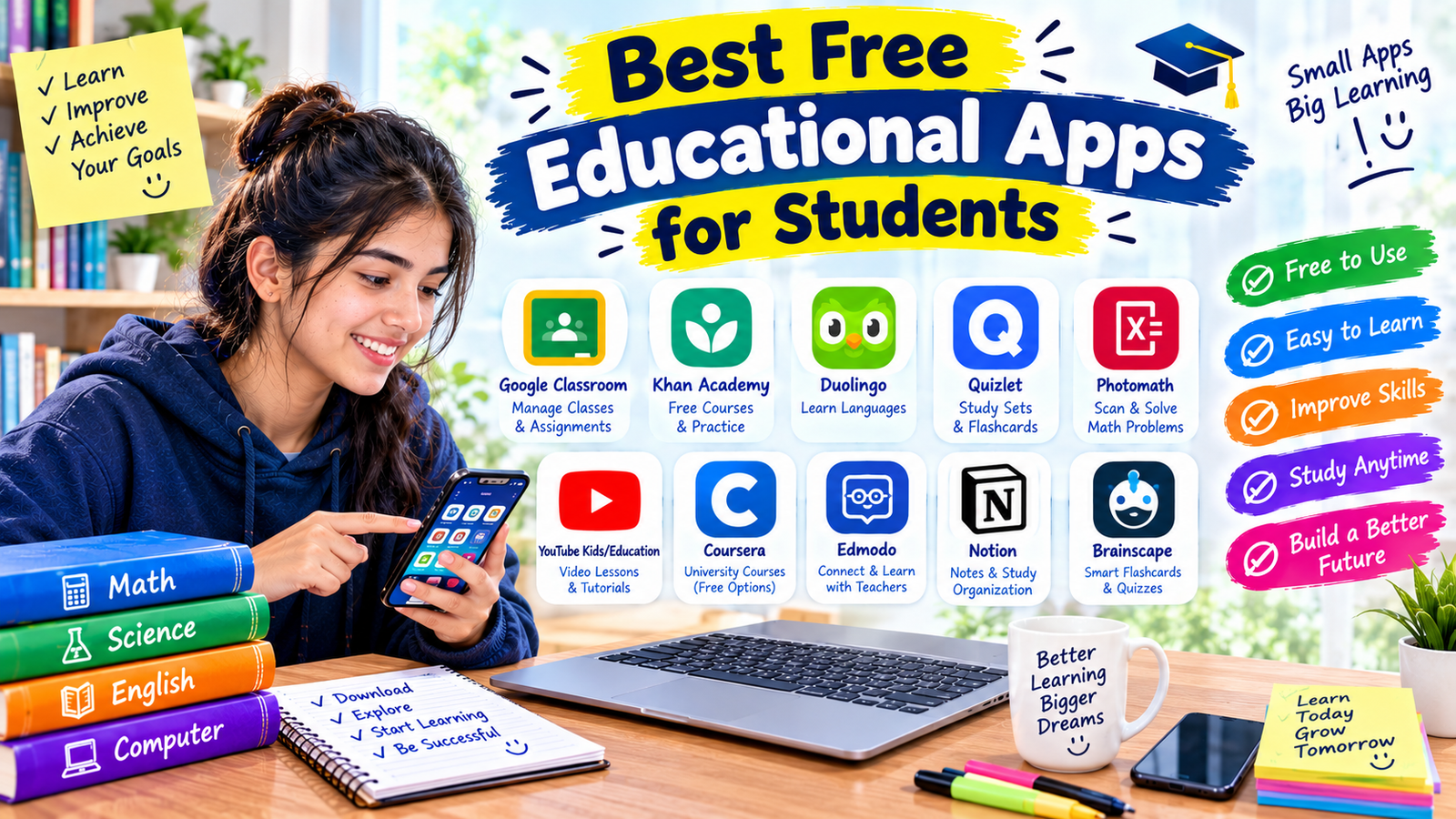
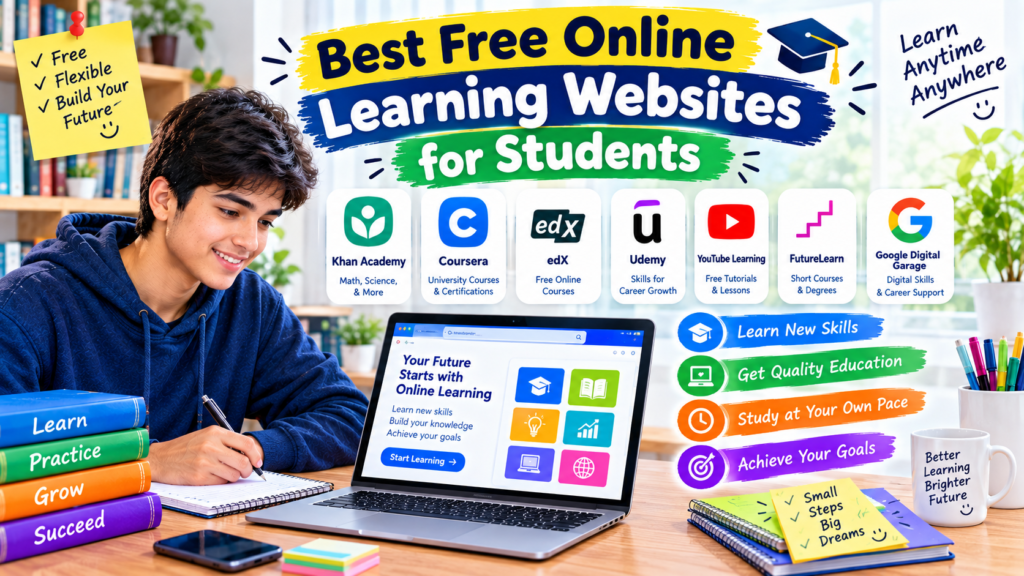
Fortunately, there are plenty of websites where students can learn useful skills without paying for every lesson. Whether you want to improve your maths, understand science, learn computer programming, improve your English, or explore a new subject, the right website can make studying much easier.
The challenge is choosing a platform that actually helps you learn rather than simply giving you more content to browse.
In this guide, we will explore the best free online learning websites for students in 2026, explain what each one offers, and share practical ways to use them for school, college, and independent learning.
Why Should Students Use Free Online Learning Websites?
Your textbook and classroom lessons are important, but sometimes you need another explanation before a topic becomes clear.
For example, if you are struggling with algebra, watching a lesson that explains the same concept differently may help. If you want to learn web development, you can practise writing code directly on a learning platform instead of only reading about it.
Online learning websites can help students:
- Revise difficult school and college subjects.
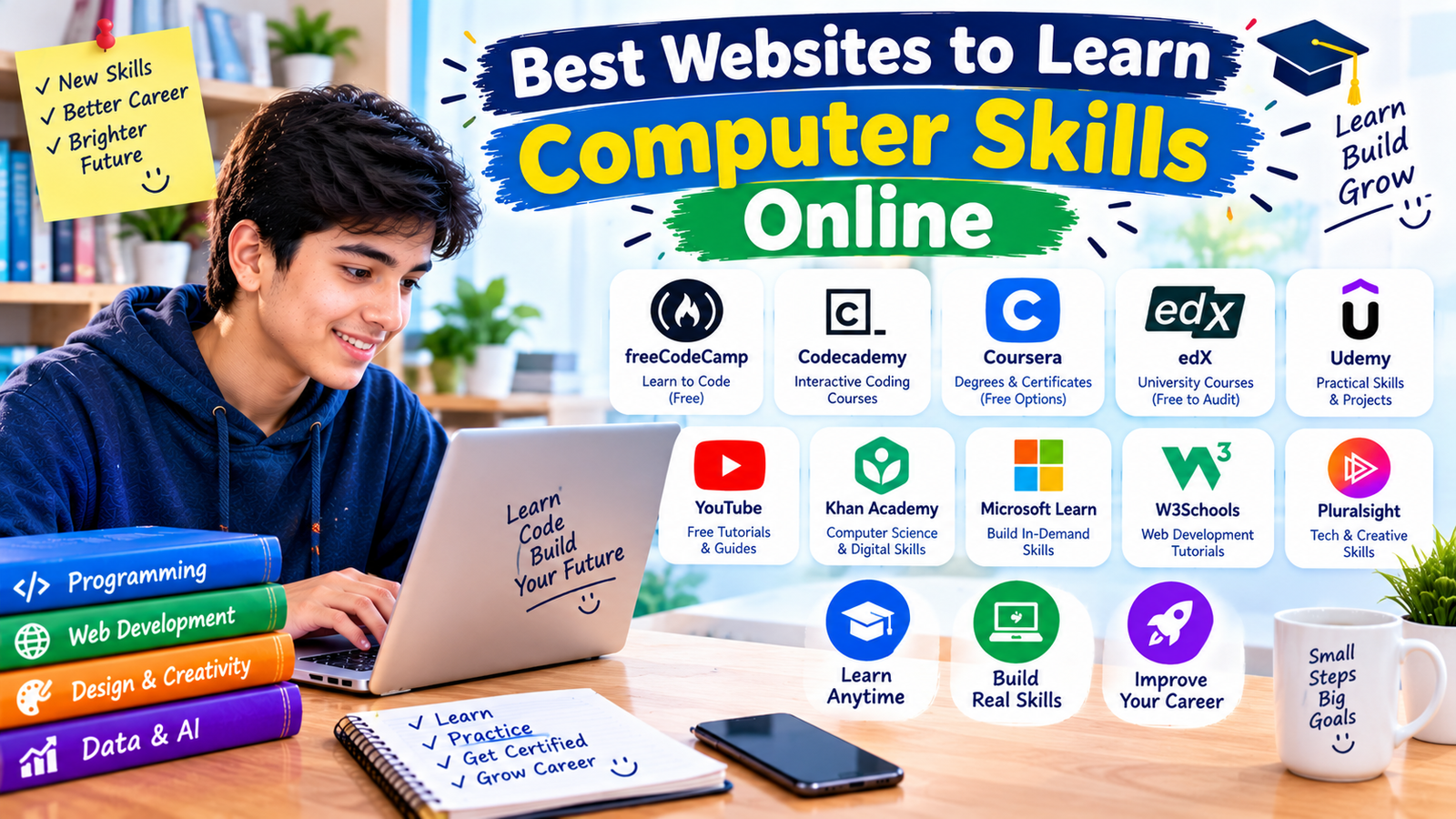
- Learn computer skills and programming.
- Improve English and communication skills.
- Explore topics outside the school curriculum.
- Practise questions and identify knowledge gaps.
- Study at a convenient time and pace.
Many platforms provide their core lessons for free. However, some charge for certificates, graded assignments, tutor support, or advanced features. Always check what is included before enrolling in a course.
1. Khan Academy — Best for School Subjects
<text color=”secondary” size=”sm”>Best for: Maths, science, grammar, and exam preparation</text>
<AsyncImage query=”Khan Academy official website student learning math science courses screenshot” aspectRatio=”16:9″ width=”100%” />
When you are having trouble with a school subject, it helps to have a resource that explains the basics clearly and gives you opportunities to practise.
Khan Academy is one of the strongest starting points because it offers free lessons, instructional videos, articles, quizzes, and practice exercises across a range of subjects. Its resources cover maths, science, computing, grammar, history, economics, and test preparation. <Cite refs={[“turn179929search9″,”turn179929search10”]}/>
What can you learn?
Students can use Khan Academy to review topics they have already studied or learn something new.
For example, if fractions are making algebra difficult, you can revisit fraction lessons before moving on to equations. If you are preparing for a science test, you can review the relevant unit and complete practice questions.
How to get started
- Visit Khan Academy.
- Search for your subject or select a course.
- Choose the lesson that matches your current level.
- Watch the explanation and complete the exercises.
- Review incorrect answers before moving to the next topic.
You can explore the learning resources without needing to pay for a subscription. Creating an account can help you track progress and save your learning activity.
One thing to remember
Do not rush through lessons just to finish a course. If you cannot answer the practice questions without looking at the explanation, spend more time on that topic.
Best for: School students who want structured lessons and practice without paying for a course.
Website: https://www.khanacademy.org/
2. Coursera — Best for University-Level Courses
<text color=”secondary” size=”sm”>Best for: Academic subjects and career-related learning</text>
<AsyncImage query=”Coursera official online learning platform courses university subjects website screenshot” aspectRatio=”16:9″ width=”100%” />
Coursera brings together online courses from universities and other educational organisations. Its catalogue includes subjects such as business, computer science, data analysis, psychology, and information technology.
It can be useful when you want to explore a subject in more depth than your regular school lessons provide.
Why students may find it useful
Suppose you are interested in artificial intelligence but have only studied basic computer science. You could look for an introductory course that explains the fundamentals before moving on to more advanced material.
You can also explore topics that may help you decide what to study at university or which career skills you want to develop.
How to use Coursera
- Visit the Coursera website.
- Search for a subject you want to learn.
- Read the course description and check its prerequisites.
- Look for any available free access or audit option.
- Review the course material and decide whether it suits your needs.
Is Coursera completely free?
Not every course is free in the same way. Depending on the course and current offering, you may find free previews, limited access, free learning options, financial aid, or paid enrolment.
Certificates and graded assessments may require payment. Check the individual course page before starting, especially if you need a certificate.
Best for: Students who want to explore university-style courses or develop skills beyond their school curriculum.
Website: https://www.coursera.org/
3. edX — Best for Academic and Professional Learning
<text color=”secondary” size=”sm”>Best for: Science, technology, business, and higher education</text>
<AsyncImage query=”edX official online education platform university courses website screenshot” aspectRatio=”16:9″ width=”100%” />
edX is another platform where learners can explore courses from universities and educational institutions.
Its subjects include computer science, engineering, mathematics, business, and other academic fields. It is worth considering if you want to learn about a subject in a more structured format.
What makes edX useful?
Imagine you are interested in data science but are unsure whether it is the right field for you. An introductory course can help you understand the basic concepts before you decide whether to study the subject further.
Some courses also include learning activities, assignments, or discussion opportunities, depending on the course structure.
How to begin
- Open edX.
- Search for your chosen subject.
- Check the course level and expected background knowledge.
- Review the available enrolment options.
- Start with an introductory course if you are new to the topic.
What about free access?
Free access depends on the course and its current enrolment options. Some offerings have provided free auditing, while certificates and graded features may require payment.
Do not assume every course can be completed in full for free. Read the details before enrolling.
Best for: Students who want to explore academic topics and university-level learning.
Website: https://www.edx.org/
4. freeCodeCamp — Best for Learning Programming
<text color=”secondary” size=”sm”>Best for: Coding, web development, and programming practice</text>
<AsyncImage query=”freeCodeCamp official website interactive coding curriculum HTML CSS JavaScript screenshot” aspectRatio=”16:9″ width=”100%” />
If you want to learn programming, reading about code is only part of the process. You also need somewhere to practise it.
freeCodeCamp is a popular educational platform that offers free programming lessons and hands-on coding exercises. Its curriculum includes web development and other technical subjects.
What can you learn?
Depending on the available curriculum, you can explore areas such as:
- HTML and CSS for building web pages.
- JavaScript for adding interactive features.
- Python and other programming concepts.
- Data analysis and databases.
- Responsive web design.
For someone interested in creating websites, this is a practical place to begin.
How to use freeCodeCamp
- Open the freeCodeCamp website.
- Create an account if you want to track your progress.
- Choose a beginner-friendly course.
- Read the lesson instructions.
- Complete the coding challenges yourself.
- Revisit any exercise you cannot complete independently.
A common beginner mistake
Some students watch programming tutorials for hours but never write any code themselves.
That can create a false sense of progress. Try to spend more time practising than simply watching or reading. Even a small working project can teach you lessons that a tutorial alone may not.
Best for: Students who want to learn coding and build practical technical skills at no course cost.
Website: https://www.freecodecamp.org/
5. OpenLearn — Best for Free Short Courses
<text color=”secondary” size=”sm”>Best for: Exploring new subjects and learning independently</text>
<AsyncImage query=”OpenLearn Open University free online courses website subject catalogue screenshot” aspectRatio=”16:9″ width=”100%” />
OpenLearn is the Open University’s free learning platform. It offers courses and educational material across subjects such as business, education, history, languages, psychology, science, technology, and society. <Cite refs={[“turn179929search1″,”turn179929search2”]}/>
It is especially useful if you want to explore a topic without committing to a long programme.
Why students should consider OpenLearn
You might want to improve your study skills, understand a business concept, explore psychology, or learn more about technology.
OpenLearn provides a way to explore those subjects through structured learning material.
Some courses also offer free digital badges or statements of participation. These can help you record your learning, but they are not the same as an accredited university qualification. <Cite refs={[“turn179929search2”]}/>
How to get started
- Visit OpenLearn.
- Browse the subject categories.
- Choose a course that matches your interests and current level.
- Check the estimated study time.
- Work through the lessons in order.
- Complete the available activities and review what you learned.
Best for: Students who want free, structured courses beyond their normal school subjects.
Website: https://www.open.edu/openlearn/
6. MIT OpenCourseWare — Best for Advanced Academic Material
<text color=”secondary” size=”sm”>Best for: University-level science, engineering, and mathematics</text>
<AsyncImage query=”MIT OpenCourseWare official website university lecture notes course materials screenshot” aspectRatio=”16:9″ width=”100%” />
MIT OpenCourseWare makes educational materials from many MIT courses available online.
It is a useful resource for learners who want to explore university-level subjects, including mathematics, physics, computer science, and engineering.
What makes it different?
Rather than focusing only on short interactive lessons, many courses provide materials such as lecture notes, reading lists, assignments, and other course resources.
This can give you a better idea of how a university-level subject is organised.
How to use it
- Open the MIT OpenCourseWare website.
- Search for a subject that interests you.
- Review the course description and required background.
- Download or read the available materials.
- Work through the topics at your own pace.
- Attempt the exercises before checking any available solutions.
Is it suitable for beginners?
Some courses may be challenging if you have not studied the prerequisites. Start with introductory material and work upwards instead of choosing the most advanced course immediately.
Also remember that open course materials do not automatically include a tutor, formal enrolment, or a recognised qualification.
Best for: Curious students who want to explore challenging academic topics using openly available course materials.
Website: https://ocw.mit.edu/
7. GCFGlobal — Best for Everyday Computer Skills
<text color=”secondary” size=”sm”>Best for: Computer basics, office software, and digital literacy</text>
<AsyncImage query=”GCFGlobal LearnFree official website computer skills Microsoft Office tutorials screenshot” aspectRatio=”16:9″ width=”100%” />
Not every useful skill requires an advanced university course. Students also need practical computer skills to complete assignments, prepare presentations, and organise their work.
GCFGlobal offers free tutorials on topics such as computer basics, internet use, office software, workplace skills, and other everyday learning needs.
What can you learn?
You might use the website to understand how to work with spreadsheets, improve your knowledge of word processing, or become more comfortable using online tools.
These skills can help when preparing school assignments, creating presentations, or applying for internships later.
How to use GCFGlobal
- Visit the website.
- Browse the available tutorial categories.
- Select a skill you want to improve.
- Follow the lessons in order.
- Practise the instructions on your own computer.
For example, if you need to prepare a school report, learning the basics of word processing and document formatting can make the task easier.
Best for: Students who want to improve their computer confidence and everyday digital skills.
Website: https://edu.gcfglobal.org/
8. CK-12 — Best for School Science and Mathematics
<text color=”secondary” size=”sm”>Best for: School-level STEM learning</text>
<AsyncImage query=”CK-12 Foundation official website interactive science mathematics lessons student dashboard screenshot” aspectRatio=”16:9″ width=”100%” />
CK-12 is an educational platform focused on science, mathematics, and related school subjects.
It offers digital learning resources that can help students review concepts, explore explanations, and practise what they have learned.
Why it may be useful
Suppose you are studying a science topic in class but want another explanation before an exam. An additional educational resource can help you revisit the concept and check your understanding.
CK-12 is also worth exploring if you prefer digital material over relying entirely on printed textbooks.
How to use it
- Visit the CK-12 website.
- Search for your subject or grade level.
- Open the relevant learning material.
- Read the explanation and complete available practice activities.
- Compare the content with your school syllabus.
Always check that the material matches your curriculum, especially if your school follows a particular examination board.
Best for: Students who want additional practice and explanations for maths and science.
Website: https://www.ck12.org/
9. BBC Bitesize — Best for School Revision
<text color=”secondary” size=”sm”>Best for: Short lessons and revision resources</text>
<AsyncImage query=”BBC Bitesize official educational website student revision science maths English lesson screenshot” aspectRatio=”16:9″ width=”100%” />
BBC Bitesize offers educational resources designed primarily around school learning and revision.
It includes lessons, explanations, and activities across subjects such as maths, science, English, and humanities. The exact curriculum coverage depends on the subject and educational level.
Why students may like it
Sometimes you do not need a complete course. You need a clear explanation of one topic before a test.
Short revision resources can help you review a concept without working through a long programme.
How to use BBC Bitesize
- Open the website.
- Select a subject.
- Find the relevant topic or educational level.
- Read the explanation and complete any available activities.
- Use your class notes to check whether you have covered the required material.
One limitation
BBC Bitesize is strongly associated with UK school curricula. If you study under a different national or examination-board syllabus, some content may not match your course exactly.
Best for: Students who want accessible explanations and revision resources.
Website: https://www.bbc.co.uk/bitesize
10. Duolingo — Best for Learning Languages
<text color=”secondary” size=”sm”>Best for: Language practice in short sessions</text>
<AsyncImage query=”Duolingo official language learning app vocabulary exercises lessons screenshot” aspectRatio=”16:9″ width=”100%” />
Learning another language can help with communication, travel, future studies, and understanding other cultures.
Duolingo offers short, interactive language exercises designed to help learners practise vocabulary, grammar, listening, and other language skills.
How students can use it
If you are learning a new language, you can use Duolingo for regular practice alongside your school lessons or another course.
A simple routine might involve completing a short lesson, reviewing unfamiliar words, and practising how to use those words in sentences.
Is it free?
Duolingo provides free learning access, while optional paid subscriptions offer additional features. The experience and limits may vary by plan and platform.
What should you remember?
A language-learning app is useful for practice, but it should not be your only learning resource. Reading, listening to real speakers, writing, and having conversations are also important.
Best for: Students who want to practise a language in short, manageable sessions.
Website: https://www.duolingo.com/
Quick Comparison of the Best Free Online Learning Websites
| Website | Best for | Main benefit |
|---|---|---|
| Khan Academy | School subjects | Free lessons and practice |
| Coursera | University-style courses | Structured academic learning |
| edX | Academic and professional topics | Courses from educational institutions |
| freeCodeCamp | Programming | Hands-on coding exercises |
| OpenLearn | Short courses | Free independent learning |
| MIT OpenCourseWare | Advanced subjects | Open university course materials |
| GCFGlobal | Computer skills | Practical digital tutorials |
| CK-12 | Maths and science | School-focused STEM resources |
| BBC Bitesize | School revision | Short explanations and activities |
| Duolingo | Languages | Interactive language practice |
The best platform depends on what you want to learn. For school subjects, start with Khan Academy. For coding, explore freeCodeCamp. If you want to learn beyond your normal curriculum, consider OpenLearn, Coursera, or edX.
How to Choose the Right Online Learning Website
With so many websites available, it is easy to spend more time comparing platforms than actually studying.
Here is a simple way to make your choice.
Step 1: Decide what you want to learn
Choose one clear goal.
For example:
- Improve maths before your next exam.
- Learn the basics of HTML and CSS.
- Improve your English vocabulary.
- Understand a university-level science topic.
- Learn how to use spreadsheets.
A clear goal makes it easier to find a suitable resource.
Step 2: Check your current level
If you are a beginner, choose a course that explains the fundamentals.
Do not assume that an advanced course is automatically better. A well-structured beginner lesson may help you more than a difficult university lecture that assumes you already know the basics.
Step 3: Confirm what is actually free
Look for the difference between free learning materials and paid extras.
Check whether you need to pay for:
- Full course access.
- Graded assignments.
- A completion certificate.
- Tutor support.
- Advanced exercises or special features.
You can often learn useful skills without purchasing a certificate.
Step 4: Try a lesson before committing
Spend a little time with the platform.
Is the explanation clear? Can you follow the lesson? Are there exercises that let you practise?
If the teaching style does not work for you, try another website rather than forcing yourself to use it.
Step 5: Build a realistic study routine
You do not need to spend several hours online every day.
Try a routine such as 20–30 minutes of focused learning, followed by a short review of what you learned. Adjust the time to your schoolwork and other responsibilities.
Consistency is more useful than creating an ambitious schedule you cannot maintain.
A Simple Study Plan for Beginners
If you are not sure where to start, use this example as a starting point.
<box border radius=”lg” padding={3} gap={3}> <row align=”start” gap={3}> <box background=”surface-secondary” radius=”md” size=”44px” align=”center” justify=”center”> <icon name=”calculator” size=”xl” /> </box> <box flex=”1″ gap={1}> **Monday: Improve a school subject**
  <text color="secondary" size="sm">Use Khan Academy to review one topic and complete practice questions.</text>
</box>
</row> <divider color=”subtle” /> <row align=”start” gap={3}> <box background=”surface-secondary” radius=”md” size=”44px” align=”center” justify=”center”> <icon name=”code” size=”xl” /> </box> <box flex=”1″ gap={1}> **Tuesday: Learn a practical skill**
  <text color="secondary" size="sm">Try a beginner coding exercise on freeCodeCamp or a computer tutorial on GCFGlobal.</text>
</box>
</row> <divider color=”subtle” /> <row align=”start” gap={3}> <box background=”surface-secondary” radius=”md” size=”44px” align=”center” justify=”center”> <icon name=”book-open” size=”xl” /> </box> <box flex=”1″ gap={1}> **Wednesday: Explore something new**
  <text color="secondary" size="sm">Choose a short course on OpenLearn or browse an academic course on Coursera or edX.</text>
</box>
</row> <divider color=”subtle” /> <row align=”start” gap={3}> <box background=”surface-secondary” radius=”md” size=”44px” align=”center” justify=”center”> <icon name=”check-circle” size=”xl” /> </box> <box flex=”1″ gap={1}> **Thursday or Friday: Review your progress**
  <text color="secondary" size="sm">Repeat difficult exercises, write down what you learned, and choose the next topic.</text>
</box>
</row> </box>
You can change the schedule to fit your needs. The important part is to practise what you learn rather than collecting courses that you never finish.
Common Mistakes Students Should Avoid
1. Signing up for too many courses
It is tempting to enrol in several courses because they look interesting. But starting five courses at once can make it difficult to finish even one.
Choose one main course and complete a reasonable portion before adding another.
2. Watching videos without practising
Watching a lesson may help you understand a concept, but practice is how you discover whether you can apply it.
After a lesson, solve a question, write a short explanation, or complete a small project.
3. Assuming every certificate is free
Some websites provide free lessons but charge for certificates or graded assessments. Check the course details before spending time on it if you need a specific credential.
4. Ignoring your school syllabus
An online course may teach a subject differently from your school or examination board.
Use online resources to improve your understanding, but compare them with your syllabus and teacher’s instructions.
5. Giving up when a lesson feels difficult
If a lesson is confusing, it does not necessarily mean you cannot learn the subject.
Try a simpler explanation, review the prerequisites, or find a different resource. Sometimes you need to strengthen an earlier skill before moving forward.
6. Forgetting to protect your time and attention
Notifications, unrelated videos, and constant switching between websites can interrupt learning.
Keep the lesson you are working on open, silence unnecessary notifications when possible, and take short breaks when you need them.
Are Free Online Learning Websites Worth It?
Yes, for many students they are an excellent way to study additional subjects, revise lessons, and explore new skills without paying for a traditional course.
However, free learning websites are not identical. Some provide complete lessons and practice exercises, while others offer selected course materials or charge for certificates and advanced features.
They also require independent effort. A website cannot do the learning for you, and finishing a course does not automatically mean you have mastered the subject.
If you want to learn programming, for example, you need to write and test code. If you are revising maths, you need to solve questions yourself. If you are learning a language, you need to practise using it.
The platform provides the material. Your practice turns it into knowledge.
Final Thoughts
The best free online learning websites for students make it easier to study at your own pace, explore new subjects, and build practical skills without immediately committing to a paid course.
Khan Academy is a strong choice for school subjects, freeCodeCamp is useful for coding, OpenLearn offers short courses, and MIT OpenCourseWare provides access to university-level learning materials. Coursera and edX are also worth exploring, provided you check which course features are available without payment.
You do not need to use all ten websites. Choose one that matches your goal, complete a lesson, and practise what you learn.
A useful course is not the one with the most impressive title or the longest list of lessons. It is the one that helps you understand something you could not do before — and gives you the confidence to keep learning.